A popup menu inside your WebListBox
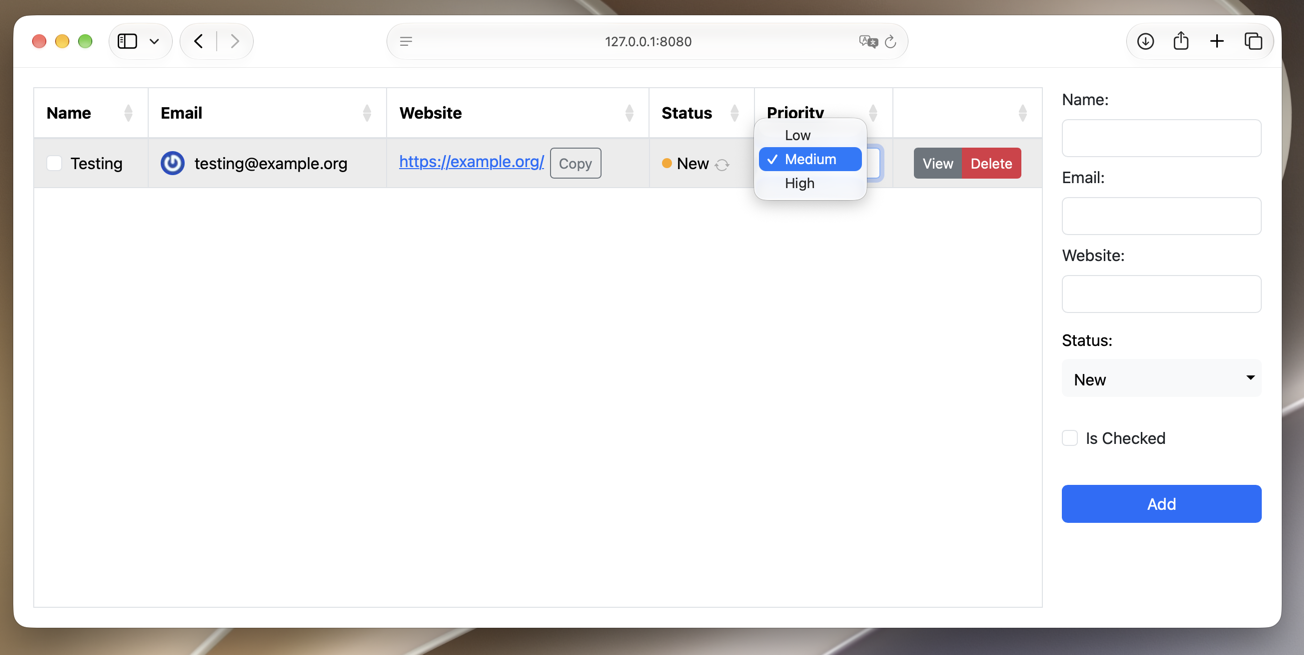
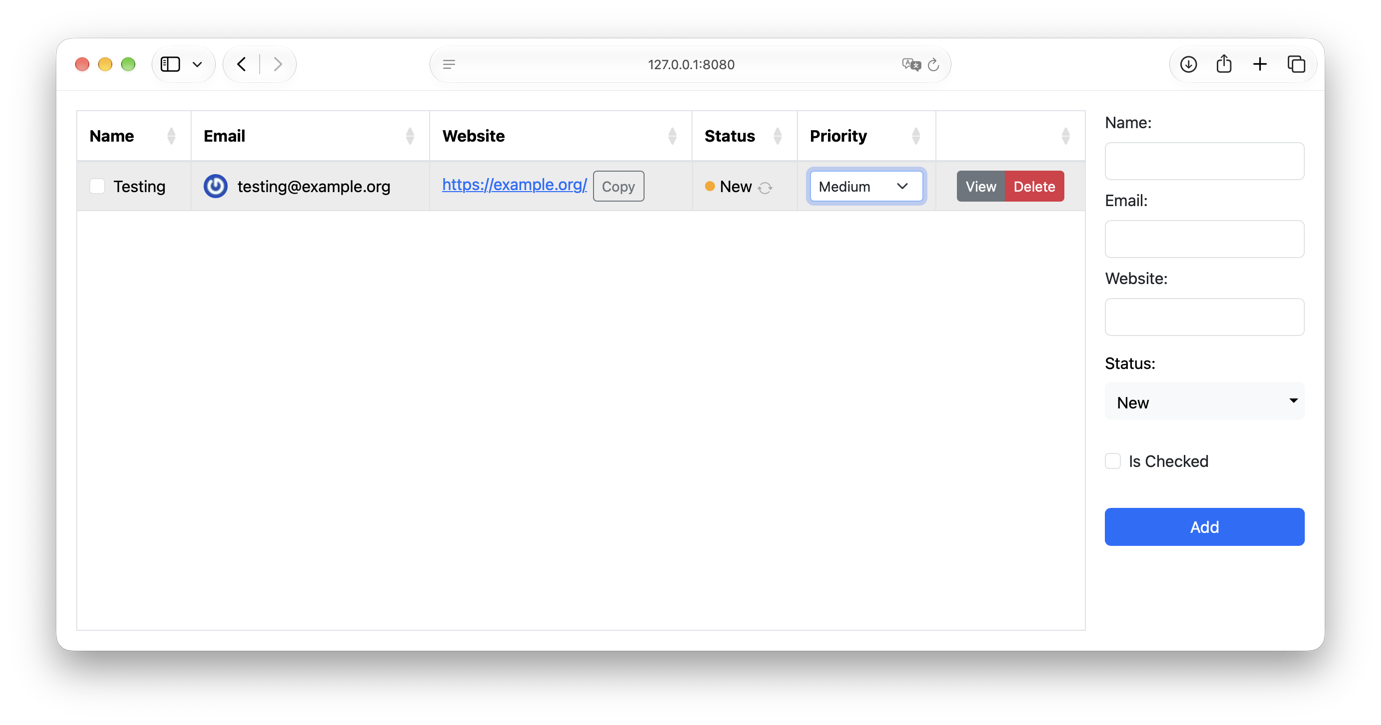
WebListBoxCellRenderers 1.1.0 is out, with a new cell renderer: PopupMenuCellRenderer. It lets your users pick an option from a popup menu, right inside a WebListBox cell.
How to use it
Pass the list of options, and the index of the one that should be selected:
Var priorities() As String = Array("Low", "Medium", "High")
list.CellValueAt(row, column) = New PopupMenuCellRenderer(priorities, 1)
' Second parameter is the selected row index (defaults to -1, nothing selected)
Get it
Download WebListBoxCellRenderers 1.1.0. Like 1.0, it comes as a Xojo Library, with the source code included.